

Drone Maintenance and Repair: How to Extend Equipment Lifespan
Drones have revolutionized numerous industries, but like all machines, they require regular maintenance to function optimally and prolong their lifespan. Whether you're a hobbyist or using drones for industrial purposes, understanding the maintenance requirements is crucial for keeping your equipment in top shape. In this article, we'll explore common drone issues, provide solutions, and offer a self-diagnosis guide to ensure your UAV remains operational for years.
1. Common Drone Problems and Their Solutions
Battery Maintenance
The battery is the heart of any drone, powering its flight and operations. Over time, drone batteries lose capacity, which can impact performance and flight time. Here are some tips for maintaining your drone's battery:
- Regular Charging: Avoid deep discharges. Keeping your battery between 20-80% charge is ideal for longevity.
- Storage: If you’re not using your drone for an extended period, store the battery at around 50% charge in a cool, dry place.
- Avoid Overcharging: Use a quality charger designed for your specific drone model to prevent battery overcharging.
Sensor Calibration
Sensors are crucial for drone navigation and stability. Periodic calibration ensures accurate readings and smooth flight performance. Below are steps for sensor calibration:
- Compass Calibration: Follow your drone's manual for compass calibration. Ensure you are in an open space free from magnetic interference.
- Gyroscope and Accelerometer Calibration: Perform this calibration after every firmware update or when you notice unusual flight behavior.
Flight Control System (FCS) Maintenance
The flight control system is responsible for managing your drone’s stability and maneuverability. Here's how to maintain it:
- Firmware Updates: Keep your drone’s firmware up to date to ensure compatibility with new features and bug fixes.
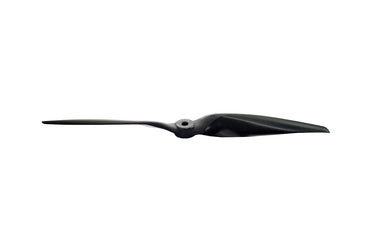
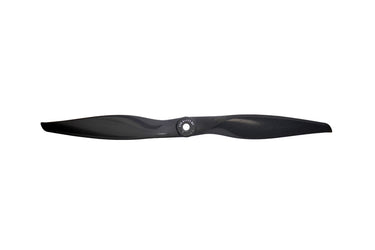
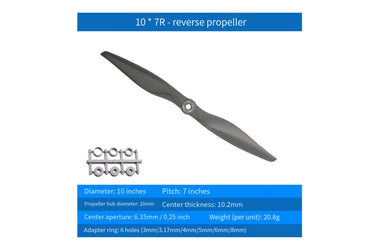
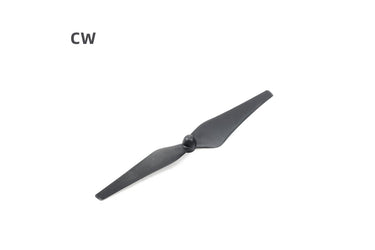
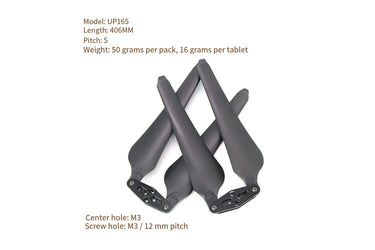
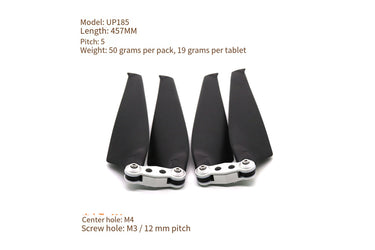
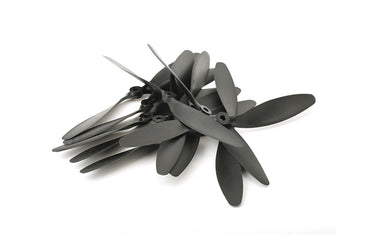
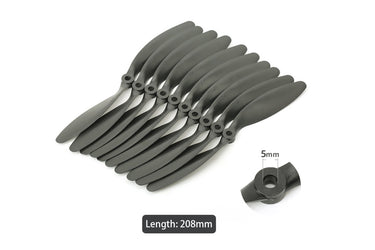
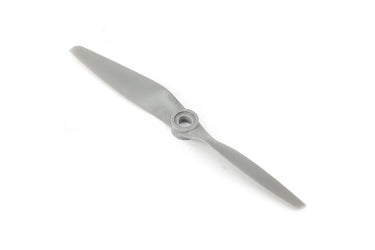
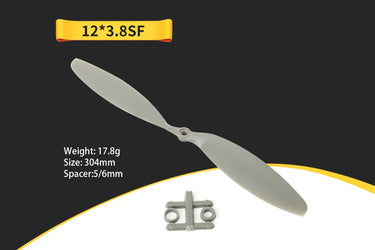
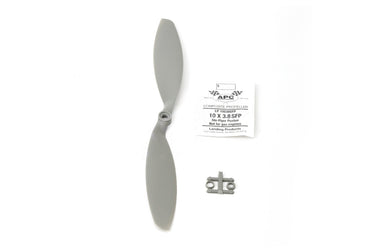
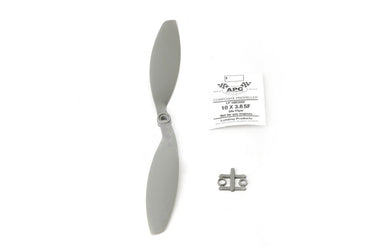
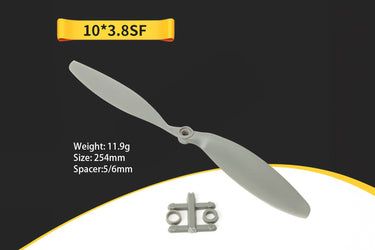
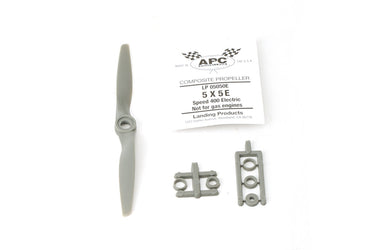
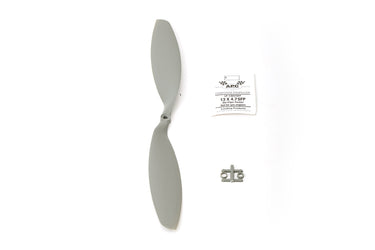
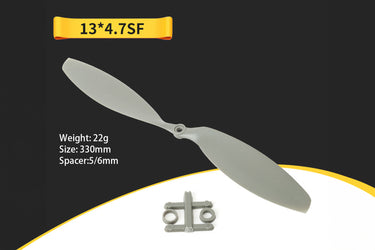
- Motor and Propeller Inspection: Regularly check the motors and propellers for wear or damage. Replace them as necessary to prevent malfunctions.
- Re-calibrate the FCS: If you notice erratic flying behavior, recalibrating the FCS can often resolve the issue.
2. Self-Diagnosis and Repair Guide
Knowing how to perform basic self-diagnosis can save time and money. Here’s a step-by-step guide for troubleshooting and repairing common drone issues:
Step 1: Check for Power Issues
If your drone isn't powering up or is losing power quickly during flights, it could be a battery or wiring issue. Start by checking the battery health and ensuring the power connectors are clean and intact.
Step 2: Inspect Propellers and Motors
Damaged propellers or motors can significantly affect drone flight performance. Inspect them for cracks, chips, or signs of wear. If the motors are not turning, check for obstructions or damaged motor wiring.
Step 3: Check for GPS or Navigation Problems
If your drone drifts or struggles to maintain position, it may be due to GPS signal issues or sensor malfunction. Perform a recalibration of the compass and sensors, ensuring you are in an open area with minimal interference.
Step 4: Update the Firmware
Ensure your drone’s software is up to date. Firmware updates often include bug fixes that could solve performance issues and enhance stability.
Step 5: Address Communication Issues
If you're experiencing issues with the remote control or video feed, check for signal interference or faulty communication links. Ensure your remote controller and drone are properly synced, and avoid flying near sources of electromagnetic interference.
3. Troubleshooting for Different Drone Models
Each drone model may have unique maintenance requirements. Below are some general troubleshooting tips for popular UAV models:
DJI Drones
For DJI drones, ensure your firmware is always updated. Regularly check the battery’s health via DJI’s app. If experiencing flight instability, recalibrate the IMU and compass.
Parrot Drones
Parrot drones often face issues with GPS reception. Perform a cold start on the GPS by turning the drone off and on in an open area away from obstacles.
Autel Robotics Drones
Autel drones typically require frequent motor checks due to their high-performance specifications. If you encounter motor overheating, allow the drone to cool down and inspect the motors for blockages or dirt.
Conclusion: Prolonging Your Drone's Lifespan
By following these maintenance and repair guidelines, you can ensure that your drone remains functional for longer, minimizing downtime and repair costs. Regular battery care, sensor calibration, and flight control system maintenance will help keep your UAV performing at its best.
Key Takeaways
- Regular battery maintenance is essential to extend flight time and battery lifespan.
- Sensor calibration is crucial for accurate drone navigation and stable flight.
- Keeping your drone's firmware updated ensures optimal performance and access to new features.
- Perform self-diagnosis checks to troubleshoot common problems before seeking professional repairs.
FAQs
- How often should I calibrate my drone's sensors? - Calibration should be done every few flights or when the drone exhibits abnormal behavior.
- What should I do if my drone won't take off? - Check the battery, motors, propellers, and controller connection. Ensure everything is properly charged and functioning.
- Can I repair my drone myself? - Many issues can be solved with basic maintenance, but more complex repairs should be handled by a professional.